donderdag 6 november 2014

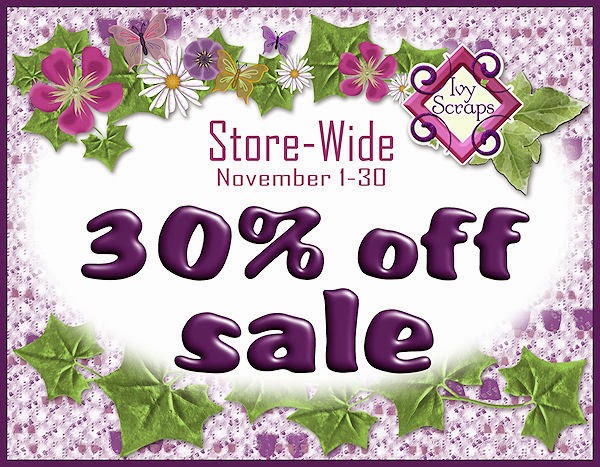
Birthday 30% off Ivy Scraps

http://www.ivyscraps.com/store2/index.php?main_page=index&cPath=251_258
New kits excepted off my sale.

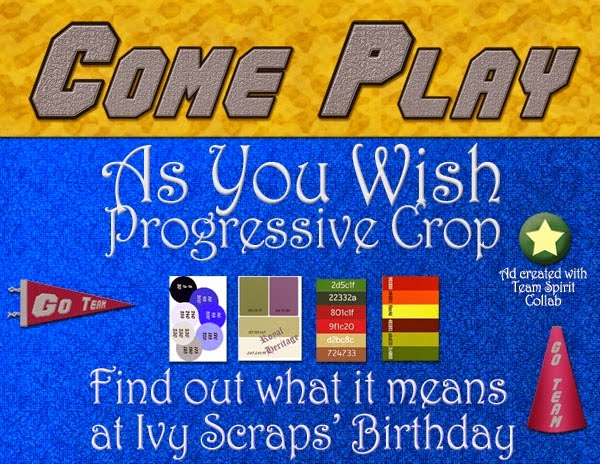
Blog Hop starting tomorrow


http://www.ivyscraps.blogspot.fr/2014/11/progressive-scrap-and-fun-birthday.html

STM Freebies


Check out these great freebies! 
 

 If you don't have the MyMemories software yet don't hesitate, it's great to work with and you can use all the freebies in it. 
Get it by clicking on the MyMemories image on the right of my blog and get $10 off
or click here
Check out MyMemories Suite,
the #1 Rated Scrapbook Software
Use the DISCOUNT CODE
Code : STMMMS5864
  during your checkout and receive:
$10 off the software purchase
and a $10 gift certificate to the online store
 !!!!NEW !!!!!!
The program is expanding and you will get 10% off in the MyMemories Photo Gifts store, using my code : STMMMS5864. Here you can upload photos to create custom posters, mugs, metal prints, canvas wraps, phone cases, and more! 
Click here to get to the gifts store and don't forget to use the code during checkout
challenges in Happy's Room

http://forums.mymemories.com/?forum=370217/?r=happyscraparts


woensdag 5 november 2014

New CU4CU Textured Overlays

New CU4CU Textured Overlays
4 new packs and a bundle to save some money
1 Free sample availabe too

available in my stores here:

http://cu4cu.com/index.php?main_page=index&cPath=1_343

http://commercial-use-scraps.com/index.php?main_page=index&manufacturers_id=63


Free sample in store


dinsdag 4 november 2014

STM Freebies


Check out these great freebies! 


 If you don't have the MyMemories software yet don't hesitate, it's great to work with and you can use all the freebies in it. 
Get it by clicking on the MyMemories image on the right of my blog and get $10 off
or click here
Check out MyMemories Suite,
the #1 Rated Scrapbook Software
Use the DISCOUNT CODE
Code : STMMMS5864
  during your checkout and receive:
$10 off the software purchase
and a $10 gift certificate to the online store
 !!!!NEW !!!!!!
The program is expanding and you will get 10% off in the MyMemories Photo Gifts store, using my code : STMMMS5864. Here you can upload photos to create custom posters, mugs, metal prints, canvas wraps, phone cases, and more! 
Click here to get to the gifts store and don't forget to use the code during checkout
challenges in Happy's Room

http://forums.mymemories.com/?forum=370217/?r=happyscraparts


zondag 2 november 2014

Element Creation in Paint shop Pro

I followed some tutorials on the Scrapbook Campus
Here some images of what I made. If you want to learn how to make these different tabs and pins in paint shop pro, you can go and have a look on the Scrapbook Campus.

How to make an aged photo with irregular border

 To make this photo look aged I used 2 tutorials. How to make an aged photo and how to make an irregular photo border.

Alpha on Tag
I did the How to create an Alpha on a Tag tutorial and placed the alpha on balloons, instead of tags
You can find this alpha in my stores, it goes with the kit Happy Anniversary
 

 Seperator Tab

I used the How to create a seperator tab from the scrapbook campus to make this notebook.I used several tabs in slight different colors on the notes. 
You can also use this seperator tab in combination with the file tab
 
 Bargello Pattern background and Beaded Alpha

I made a background using the" How to make a Bargello Pattern" Tutorial on the campus. Then I decided to use a beaded letter to make a wordart by following the "How to make a beaded alpha" tutorial


 Chalk texture

This tag is made with a chalk texture I made with the tutorial "How to make chalk texture". It looks like if the text is written on a black board tag with a chalk
These tags are available in my stores in the collection I Love Baking


 Circular element
How to create a circular element: with this tutorial you learn how to make a circular element from a horizontal element, it's very fast an easy to do. These circular elements are great to use as frames.

 Translucent Tab
This is a combination of tutorials from the creative scrap classes for paint shop pro.
I used the Translucent tab tutorial and the safety pin tutorial. I used the beaded alpha tutorial to put some pearls on the safety pin.
I also used the technique from the pinned paper tutorial to pin the safety pin to the tabs